
Temp Spoofer Guide
Chapter 2 of 7 · Using the Spoofer
Guide · 6 steps
Using the Spoofer
A clean six-step flow: log in, clean, restart, re-open, load, then verify and launch. Follow each step in order — skipping one is the #1 cause of failed spoofs.
Guide Chapters
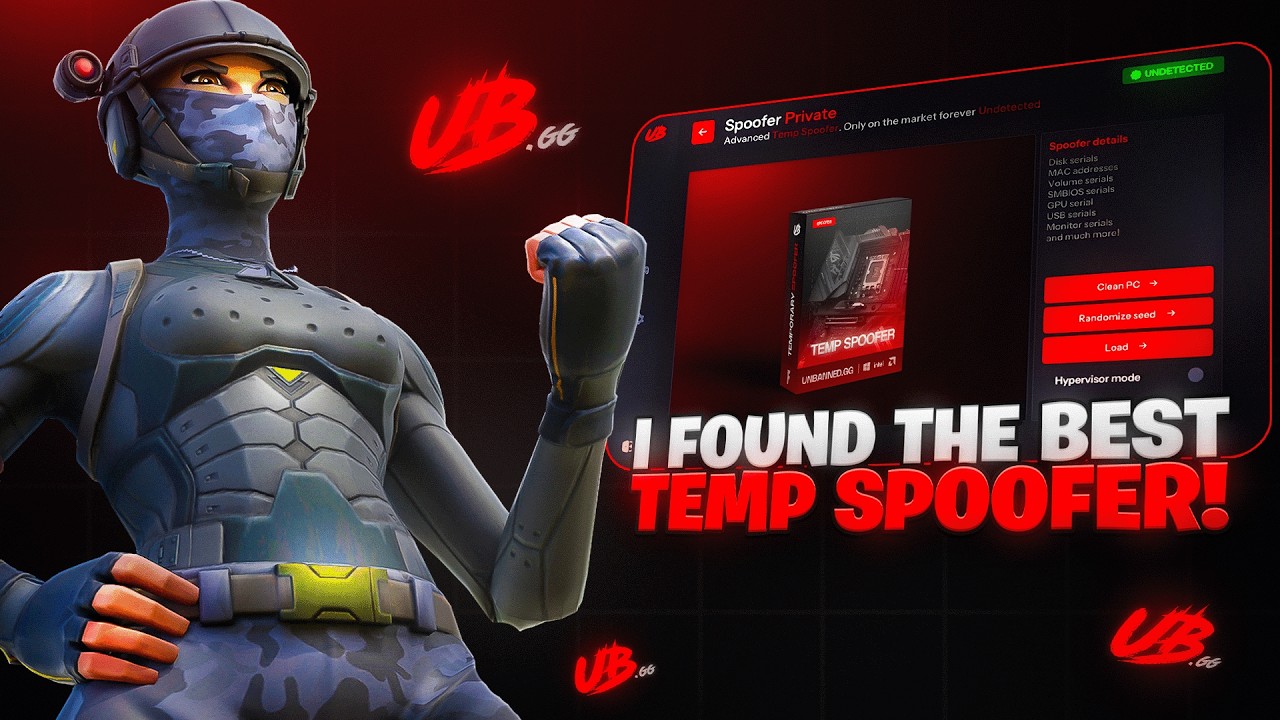
Video Walkthrough
Watch the full Temp Spoofer flow
A 3-minute screen recording covering every click — log in, clean, restart, load, verify, and launch. Chapters are linked below.
Log In to the Loader
Sign in with the username and password you set when redeeming your key.
Open the loader app and sign in. Use the same credentials you created during key redemption — not your Discord or store account.
- 1
Launch the Loader App from your desktop or downloads folder.
Run it as Administrator if your loader requires it.
- 2
Enter your Username and Password.
These were set during key redemption — not your Discord or store account.
- 3
Click Sign In and wait for the dashboard to load.
Lost your credentials?. Open a support ticket on Discord — your key stays linked to your account.
Open a Ticket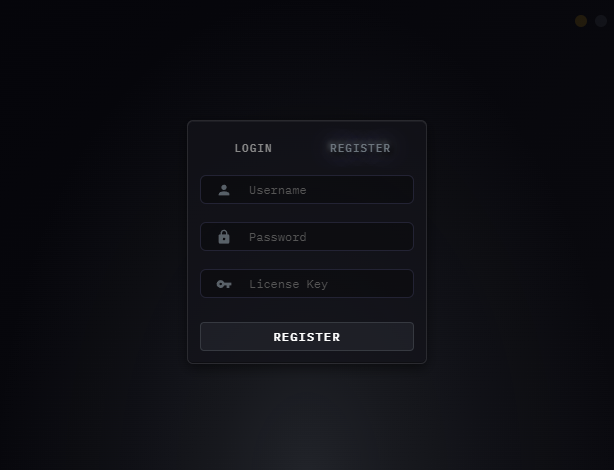
Click image to expand
Run System Cleaning
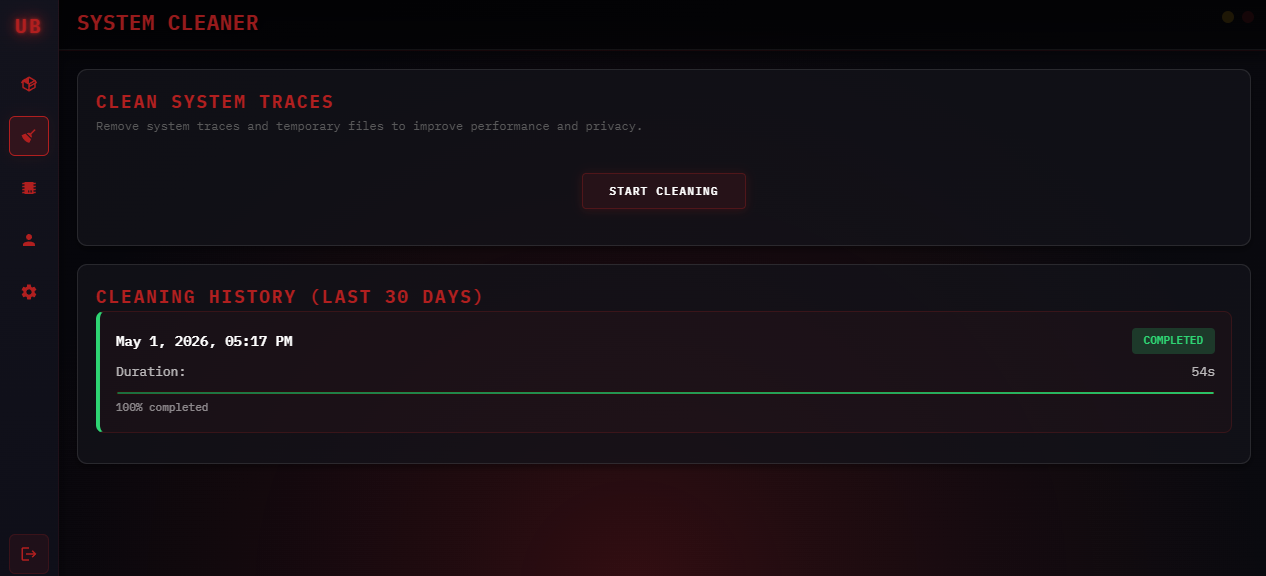
Open the Cleaner tab and run Start Cleaning before every spoof after a ban.
The cleaner wipes hardware traces tied to your previous identifiers. Only run it when changing accounts or recovering from a ban — not every single session.
- 1
Click the Cleaner Icon on the left-hand sidebar (the checkmark icon).
This opens the System Cleaner page.
- 2
Click Start Cleaning and wait for it to finish.
Do not close the window or click anything else while it runs.
- 3
Wait until cleaning completes before continuing to the next step.
Only run when switching accounts or after a ban. Running Clean every session is unnecessary. Run it when you need a fresh identity, not as a daily routine.
Click image to expand
Restart Your PC
A full reboot is required — sleep or hibernate will not work.
Don't skip this. Sleep and hibernate leave cached hardware state intact. A full restart is the only way to properly clear the slate before spoofing.
- 1
Save anything important — Discord chats, browser tabs, etc.
- 2
Fully Restart Your PC using Start → Power → Restart.
Do not use Sleep, Hibernate, or Shutdown + power-on with Fast Startup.
- 3
Wait for Windows to fully boot back to the desktop before continuing.
Restart, not Shutdown. Fast Startup (enabled by default on most PCs) leaves hardware caches intact after a Shutdown. Use Restart to guarantee a full clean boot.
Re-open the Loader
Launch the loader again after restarting and navigate to the Spoofer tab.
After the reboot, open the loader from your desktop shortcut and sign in again. Navigate to the Temp Spoofer tab — do not launch your game yet.
- 1
Open the loader from your desktop and Log Back In with your credentials.
- 2
Navigate to the Temp Spoofer Tab on the left-hand sidebar.
- 3
Do Not Launch Your Game Yet — you must load the spoof first.
Run as Administrator. Right-click → Run as administrator after a reboot to avoid permission errors when the spoofer writes to system memory.
Click Load to Spoof
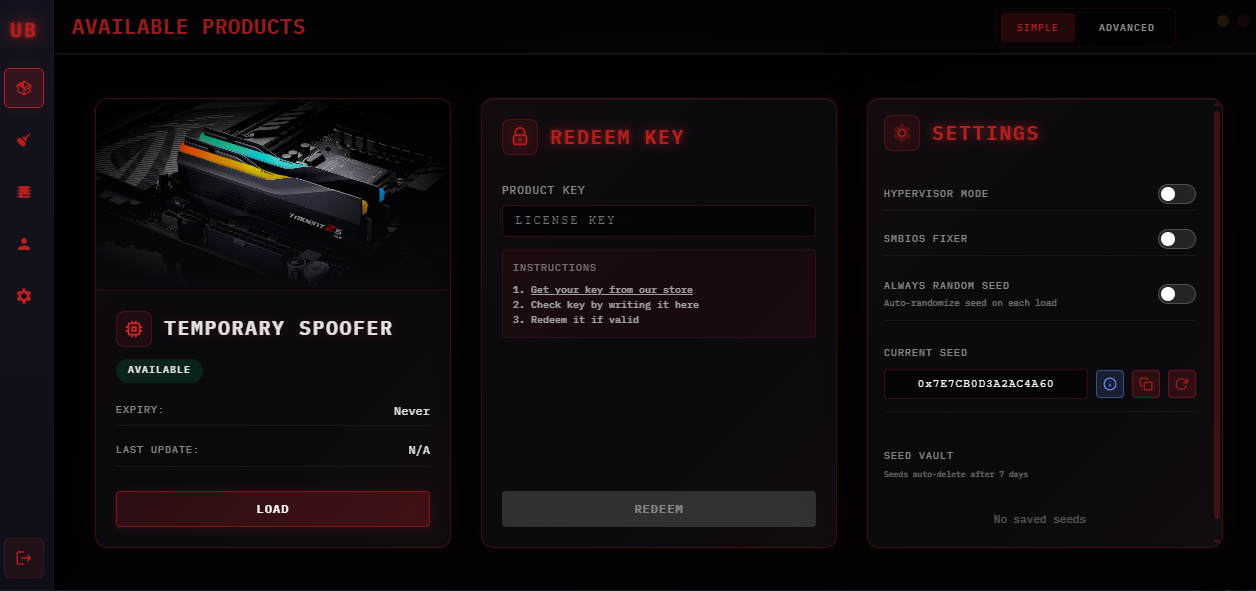
Press Load on the Temp Spoofer card and wait for it to complete.
On the Temp Spoofer tab, click Load. The spoofer writes new hardware identifiers into memory — keep the loader open until the status confirms success.
- 1
Click the Load Button on the Temp Spoofer card.
- 2
Wait for the status to confirm the Spoof Completed Successfully.
Do not click anything else while it is running.
- 3
If you get an error, close the loader, reopen it as Administrator, and try again.
What just happened?. Your machine now reports different hardware identifiers to anti-cheat services. This is session-based — your real IDs restore on every reboot.
Click image to expand
Verify & Launch Your Game
Confirm your HWID changed, close the loader completely, then launch.
Before opening your game, verify the spoof applied correctly using the HWID Checker. Then fully close the loader — leaving it open is one of the most common detection triggers.
- 1
Navigate to the HWID Checker Tab and wait for your serials to load.
Every serial must show a different value from your originals. If any match, re-run Start Cleaning → Load.
- 2
Fully Close the Loader — check the system tray for any leftover icons.
The loader must not be running at all while you play.
- 3
Launch Your Game and play. Remember to re-spoof after every reboot.
Never launch a game with the loader open. The spoof stays active in memory after the loader closes — you do not need it open. Leaving it running during gameplay is a common ban trigger.
Finish all 6 steps to unlock
Mark each step done as you go. The summary unlocks when all 6 are finished.
Leave a Review & Get Rewarded
Enjoying the product? Leave us a 5-star Trustpilot review and claim a free reward as a thank you.
After leaving your review, open a support ticket on Discord and send a screenshot. Choose one of the two rewards below: