Step 2 of 4 — Windows Setup0%
Step 2 of 4 · Optional
Windows Setup
Configure Windows offline to prevent automatic updates and Microsoft account sync that can interfere with the permanent spoofer.
1
Do Not Connect to the Internet During Setup
Complete the entire Windows initial setup offline. Connecting to the internet during setup can trigger automatic Microsoft account sign-in prompts and pull unwanted updates.
- When Windows Setup asks about network, click I don't have internet
- If using Ethernet, unplug the cable before booting into Windows for the first time
- If using WiFi, simply do not connect to any network
Do not connect until setup is fully complete
Connecting early can force a Microsoft account login and enable automatic updates — both of which can interfere with the spoofer.
2
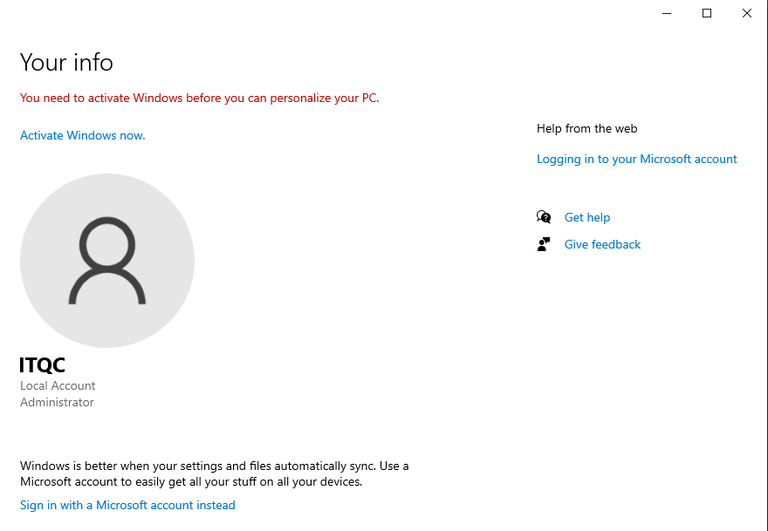
Do Not Log In to a Microsoft Account
When prompted to sign in, choose to create a local account instead of using a Microsoft account.
- On the sign-in screen, click Limited experience or Continue with limited setup
- Enter a username for the local account (no password required)
- Skip the security questions by leaving them blank or entering any value
Why no Microsoft account?
A Microsoft account syncs settings and telemetry that can inadvertently link your hardware identity to your previous ban history.